
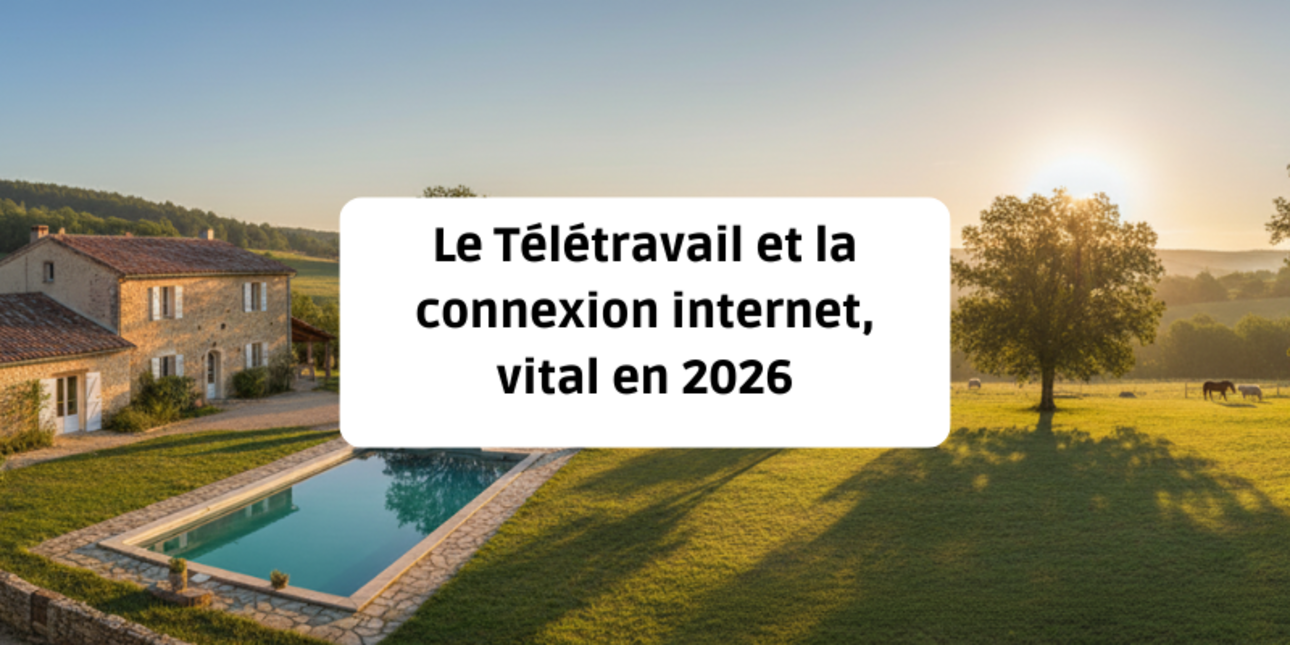
This is the quintessential image of the modern remote worker: a laptop set on a solid wood table, a steaming cup of coffee, and an uninterrupted view over a lush green meadow. Since hybrid work became widespread, the country house is no longer just a holiday home; it has become a secondary office—or even a primary one on certain days of the week.
And yet, this bucolic dream can turn into a technical nightmare in a split second: a Zoom meeting that freezes, a large file that refuses to upload, or a complete lack of mobile signal. In 2026, the quality of the internet connection has become a property value criterion as important as the condition of the roof or the insulation.
For a buyer, the question is no longer “Is there internet?” but “What exact technology is available, and what is the real, stable speed?”. Between the planned shutdown of the copper network (ADSL) and the rise of satellite solutions such as Starlink, the rural digital landscape has changed. Here is everything you need to know to secure your ability to work remotely in the countryside.
If you’re still relying on reference points from five years ago, an update is essential. The major change impacting buying a country house today is the shutdown of the copper network.
Orange has begun the gradual dismantling of the historic copper network. Concretely, this means the traditional “T”-shaped phone socket and the ADSL service that ran over those wires are in their final days.
For a buyer in a rural area, the consequences are immediate:
The France Very High Speed Plan has progressed significantly. In rural areas, it is often RIPs (Public Initiative Networks)—funded by local authorities—that have deployed fibre.
However, “fibre has reached the village” does not mean “fibre is in the house”.
Never rely on a simple “Internet works well” statement from the seller or the estate agent. Their usage (checking emails) is not yours (HD video calls, cloud services, corporate VPN). Here is the method to audit a property.
Before you even visit, ask for the exact address or the landline number of the property. Use ARCEP tools (Mon Réseau Mobile) or websites such as Degrouptest and Ariase.
Key indicators to check:
Once you’re there, don’t just look at the walls. Take out your smartphone.
Have you fallen for an isolated stone cottage at the bottom of a valley that isn’t eligible for fibre? All is not lost. In 2026, robust solutions exist for remote work even in “white zones”.
This has been one of the major revolutions of recent years for isolated rural homes. Unlike older satellite services (with unbearable latency), low-Earth-orbit constellations like Starlink offer performance close to fibre.
If the property has good mobile coverage, operators offer “4G Home Broadband” plans. This is a router with a dedicated SIM card.
|
Solution |
Download speed |
Latency (Ping) |
Remote-work reliability |
Est. monthly cost |
|
Fibre (FTTH) |
Up to 8 Gbit/s |
Excellent (<10ms) |
(Perfect) |
€30 - €50 |
|
Starlink |
100 - 250 Mbit/s |
Good (30-50ms) |
(Very good) |
€40 - €60 |
|
5G Home Broadband |
100 - 500 Mbit/s |
Fair |
(Variable) |
€30 - €45 |
|
ADSL (End of life) |
1 - 15 Mbit/s |
Average |
(Risky) |
€30 - €40 |
|
Satellite (Legacy) |
20 - 50 Mbit/s |
Poor (>600ms) |
(Unusable for video) |
€30 - €50 |
Having fibre reach the electrical meter is one thing. Having Wi-Fi in your upstairs office is another.
Traditional country houses (longères, mas, farmhouses) have a formidable feature when it comes to radio waves: wall thickness. A 60 cm stone wall acts like a real barrier, blocking the Wi-Fi signal. It’s the “Faraday cage” effect.
Don’t expect a basic internet router to cover 150 m² with thick walls. You will need to budget for an internal network setup.
The French government has introduced support schemes to ensure everyone has access to decent broadband. If your future home is in an area not covered by fibre, you may be eligible for the “Digital Cohesion of Territories” scheme.
This support can fund up to €150 (or more depending on the département) towards the cost of equipment, installation, or activation of a wireless solution (Satellite, fixed wireless access, fixed 4G).
How do you qualify? You must subscribe through a provider certified by the government at the time of signup. Ask your local town hall or the département, as additional local support may sometimes exist.
In 2026, buying a country house without validating connectivity is a major strategic mistake. A “disconnected” house will lose value and can make your professional life impossible.
If the home of your dreams doesn’t have fibre, it’s not a deal breaker—but it does require a budget and a validated technical solution (such as Starlink).
Don’t treat the internet setup as a minor detail to sort out after you move in. Factor it in from the very first visit, just like electricity or running water. It is the sine qua non condition for successfully living a double life between city and countryside.
This article is the first part of our complete guide to buying a country house.
To avoid unpleasant financial surprises once you’ve moved in, discover our next article: The real cost of renovation work: avoiding the cold shower.
 |
By Bernard Charlotin, rural real estate expert for over 20 years. |